


Welcome to Katz - Pinoy Underground Forum

Join us now to get access to all our features. Once registered and logged in, you will be able to create topics, post replies to existing threads, give reputation to your fellow members, get your own private messenger, and so, so much more. It's also quick and totally free, so what are you waiting for?
  • Compact Safety Notice
  • Weekly Grants Lottery is live! Win a 20,000 ₪ jackpot — tickets are just 30 ₪, drawn every week. Buy your tickets »

MEDIAFIRE Adobe XD 47.0.22.9 RePack Multilingual

K 701

kantoz007

Squaddie
Member
Access
Member
Access
3 Year Silver Member 3y Silver
Joined
Oct 29, 2022
Messages
202
Reaction score
153
Points
43
Age
46
Location
Quezon City
grants
₲1,011
QPXWFU.jpg


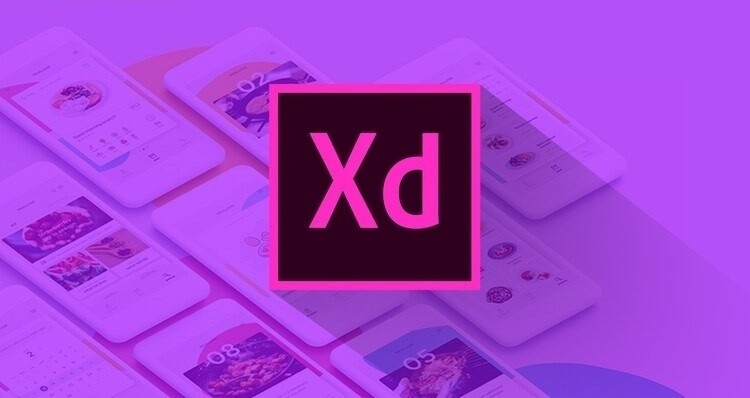
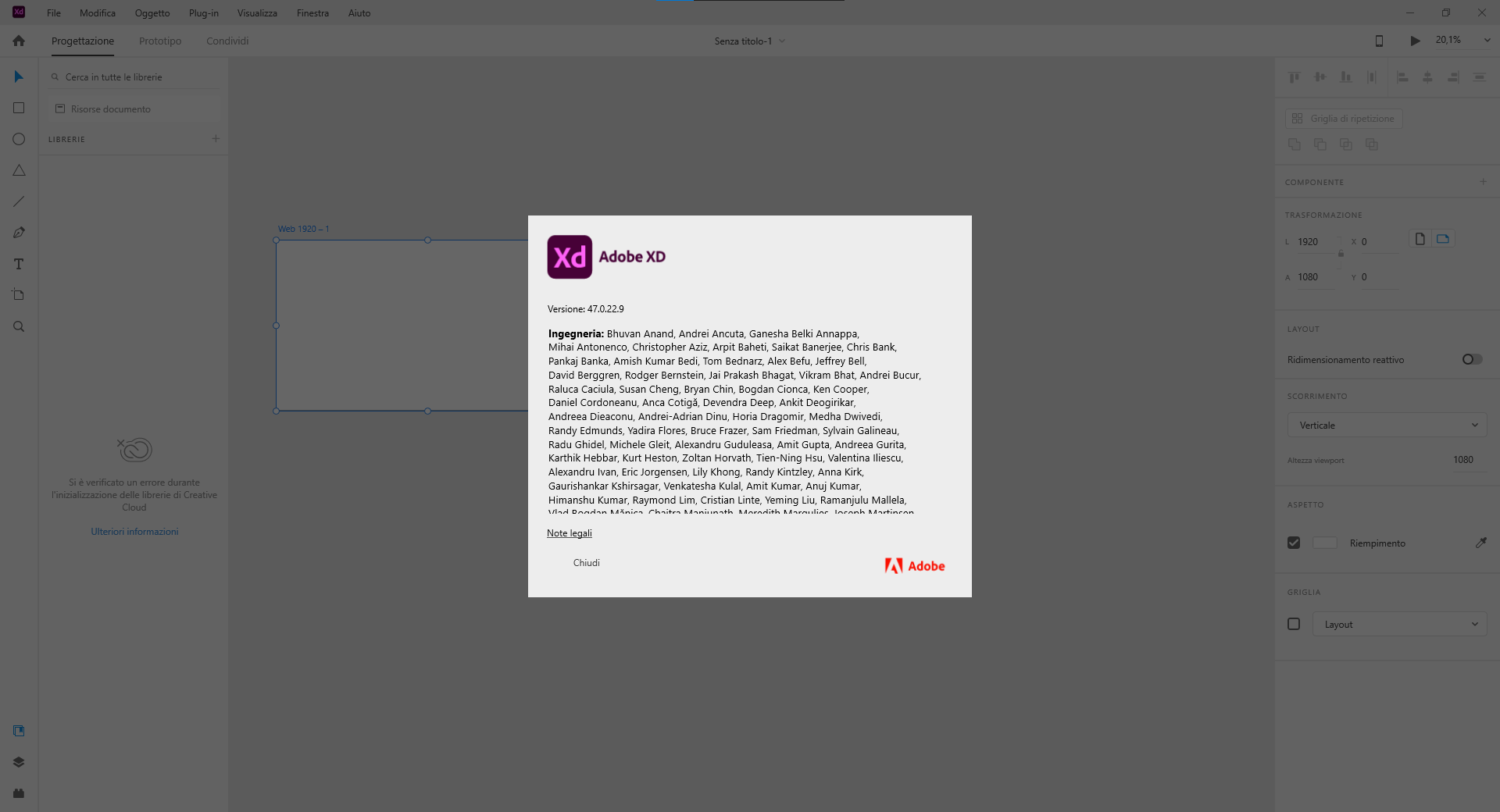
Adobe XD (also known as Adobe Experience Design) is a vector-based user experience design tool for web apps and mobile apps, developed and published by Adobe Inc. It is available for macOS and Windows, although there are versions for iOS and Android to help preview the result of work directly on mobile devices. Adobe XD enables website wireframing and creating click-through prototypes

Adobe XD creates user interfaces for mobile and web apps. Many features in XD were previously either hard to use or nonexistent in other Adobe applications like Illustrator or Photoshop.

Repeat grid​

Helps creating a grid of repeating items such as lists, and photo galleries.

Prototype and animation

Creates animated prototypes through linking artboards. These prototypes can be previewed on supported mobile devices.

Interoperability​

XD supports and can open files from Illustrator, Photoshop, Photoshop Sketch, and After Effects. In addition to the Adobe Creative Cloud, XD can also connect to other tools and services such as Slack and Microsoft Teams to collaborate. XD is also able to auto-adjust and move from macOS to Windows. For security, prototypes can be sent with password protection to ensure full disclosure.

Content-Aware Layout​

Design and edit components without the nudging or the tinkering. Content-Aware Layout aligns and evenly-spaces as you add,
remove, or resize objects. Make adjustments with smart controls and get back to exploring.

Voice design​

Apps can be designed using voice commands. In addition, what users create for smart assistants can be previewed as well.

Components​

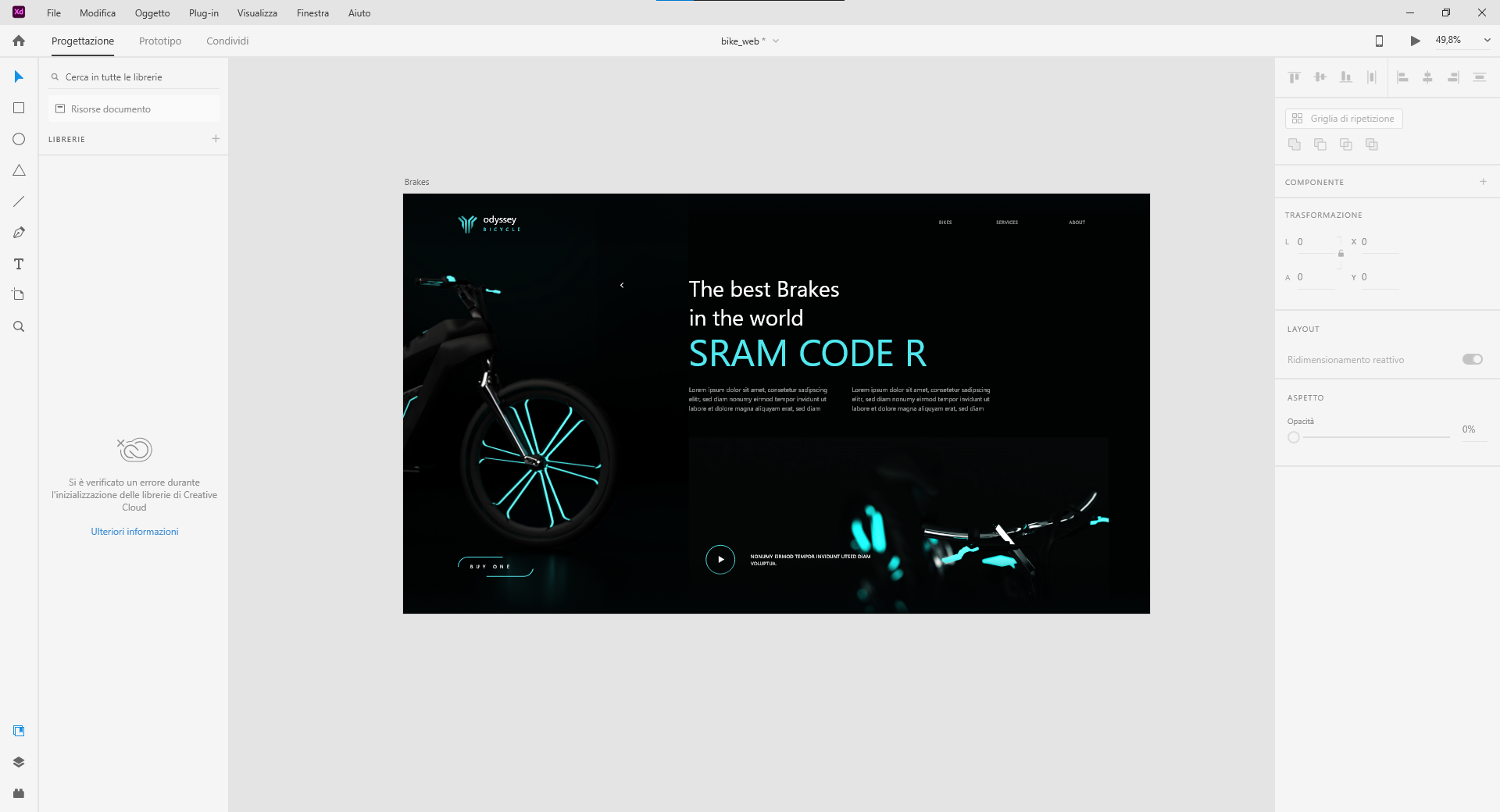
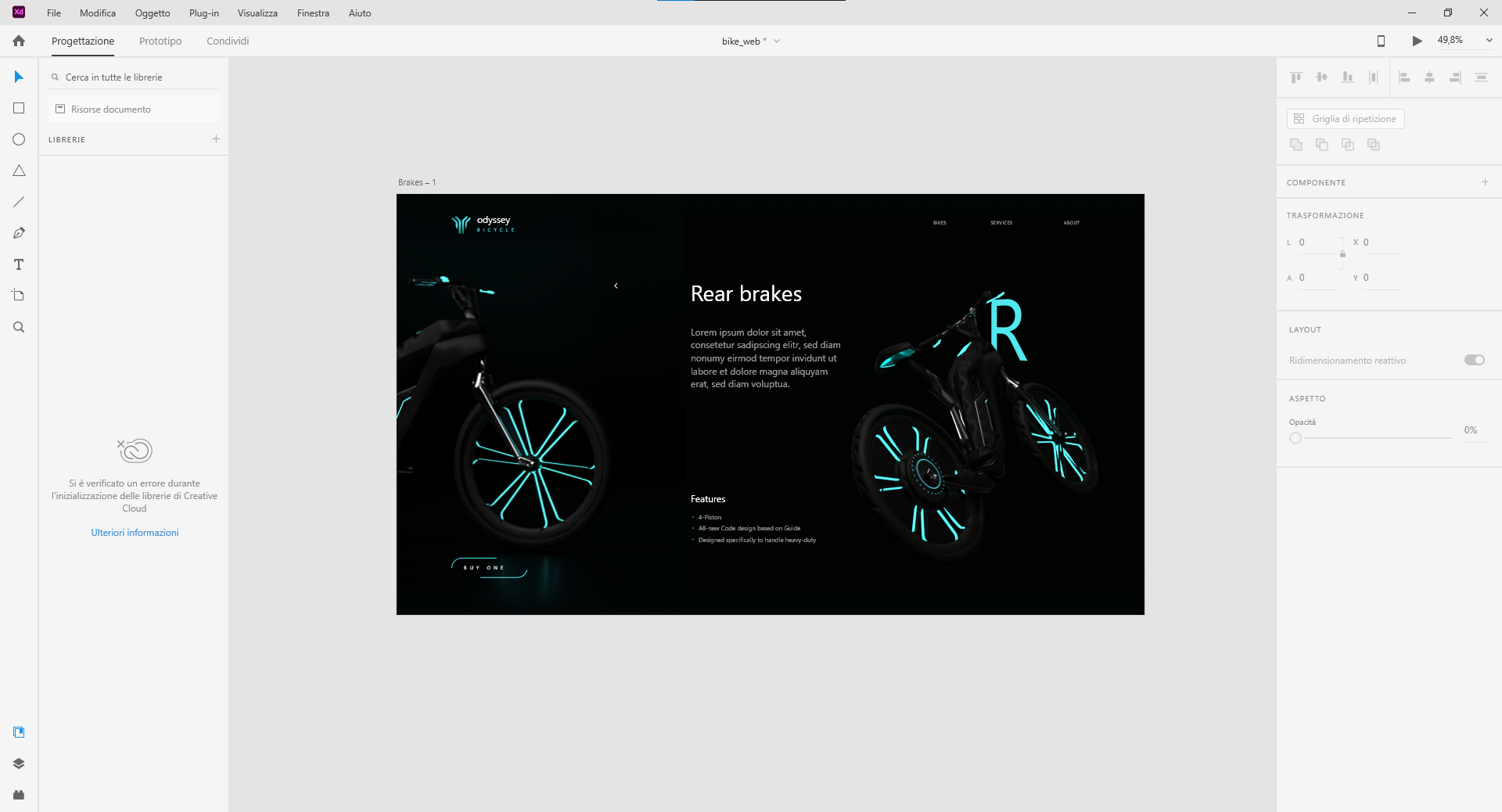
Users can create components to create logos, buttons, and other assets for reuse. Their appearance can change with the context where they are used.

Responsive resize​

Responsive resize automatically adjusts and sizes pictures and other objects on the artboards. This allows the user to
have their content automatically adjusted for different screens for different sized platforms such as mobile phones and PCs.

Plugins​

XD is compatible with custom plugins that add additional features and uses. Plugins range from design to functionality, automation and animation.

Design Education​

Adobe offers educational articles, videos and live streams through various mediums to help designers learn Adobe XD and best practices.

Adobe XD Learn Hub​

Launched in 2021, the Learn Hub is a resource for learning and exploring everything that Adobe XD offers – from the Getting
Started series for beginners to advanced tips & tricks for designers looking to level up.

Adobe Live​

With sessions just about every day of the week, Adobe Live – hosted on Behance – delivers online training for
a variety of applications, including Photoshop, Illustrator, Adobe XD, and more.

Adobe MAX​

Every year, Adobe MAX brings the creative community together with over 350 sessions, hand-on labs, luminary
speakers and more. What was previously an in-person event has since transitioned online.
QPX37W.png


QPX4qh.png


QPXEBn.png


How to install:
Just click on the exe file and then Install

System Requirements
Operating system: Windows 10 (64-bit) – Version 1909 (19H2) or later.
Display: 13 inches or larger display, 1280 x 800 resolution.
RAM: 4 GB of RAM
Graphics: Minimum Direct 3D DDI Feature Set: 10. For Intel GPU, drivers released in 2014 or later are necessary. To find this information, type dxdiag on Windows search and select the Display tab.
Pen and touch input: XD on Windows 10 supports Windows' native pen and touch features. For more information on working with pen and touch in XD, refer Common questions.

 
  • Like
Reactions: Koi Senpai, uxdxxd, johntoledo and 2 others
K 1.3M

KatzSec DevOps

Alpha and Omega
Staff member
Moderator
Philanthropist
Access
Moderating
Philanthropist
Access
Top Contributor
Community Legend
4 Year Silver Member 4y Silver
Joined
Jan 17, 2022
Messages
1,180,342
Reaction score
53,118
Points
113
grants
₲10,806
kantoz007 Next time always upload your files sa https://dl.katz.to para siguradong di ma dedeadlink. *Please Disable your adblock when visiting katz.to to keep us running forever.
 
S 0

Sphynxdos

Abecedarian
BANNED
Member
Access
Banned
Joined
Nov 1, 2022
Messages
147
Reaction score
12
Points
18
Age
35
Location
Ph
grants
₲473
QPXWFU.jpg


Adobe XD (also known as Adobe Experience Design) is a vector-based user experience design tool for w.3b apps and mobile apps, developed and published by Adobe Inc. It is available for macOS and Windows, although there are versions for iOS and Android to help preview the result of work directly on mobile devices. Adobe XD enables website wireframing and creating click-through prototypes

Adobe XD creates user interfaces for mobile and w.3b apps. Many features in XD were previously either hard to use or nonexistent in other Adobe applications like Illustrator or Photoshop.

Repeat grid​

Helps creating a grid of repeating items such as lists, and photo galleries.

Prototype and animation

Creates animated prototypes through linking artboards. These prototypes can be previewed on supported mobile devices.

Interoperability​

XD supports and can open files from Illustrator, Photoshop, Photoshop Sketch, and After Effects. In addition to the Adobe Creative Cloud, XD can also connect to other tools and services such as Slack and Microsoft Teams to collaborate. XD is also able to auto-adjust and move from macOS to Windows. For security, prototypes can be sent with password protection to ensure F.UL.L disclosure.

Content-Aware Layout​

Design and edit components without the nudging or the tinkering. Content-Aware Layout aligns and evenly-spaces as you add,
remove, or resize objects. Make adjustments with smart controls and get back to exploring.

Voice design​

Apps can be designed using voice commands. In addition, what users create for smart assistants can be previewed as well.

Components​

Users can create components to create logos, buttons, and other assets for reuse. Their appearance can change with the context where they are used.

Responsive resize​

Responsive resize automatically adjusts and sizes pictures and other objects on the artboards. This allows the user to
have their content automatically adjusted for different screens for different sized platforms such as mobile phones and PCs.

Plugins​

XD is compatible with custom plugins that add additional features and uses. Plugins range from design to functionality, automation and animation.

Design Education​

Adobe offers educational articles, v.ide.0s and live streams through various mediums to help designers learn Adobe XD and best practices.

Adobe XD Learn Hub​

Launched in 2_O_2_1, the Learn Hub is a resource for learning and exploring everything that Adobe XD offers – from the Getting
Started series for beginners to advanced tips & tricks for designers looking to level up.

Adobe Live​

With sessions just about every day of the week, Adobe Live – hosted on Behance – delivers online training for
a variety of applications, including Photoshop, Illustrator, Adobe XD, and more.

Adobe MAX​

Every year, Adobe MAX brings the creative community together with over 350 sessions, hand-on labs, luminary
speakers and more. What was previously an in-person event has since transitioned online.
QPX37W.png


QPX4qh.png


QPXEBn.png


How to install:
Just click on the exe file and then Install

System Requirements
Operating system: Windows 10 (64-bit) – Version 1909 (19H2) or later.
Display: 13 inches or larger display, 1280 x 800 resolution.
RAM: 4 GB of RAM
Graphics: Minimum Direct 3D DDI Feature Set: 10. For Intel GPU, drivers released in 2014 or later are necessary. To find this information, type dxdiag on Windows search and select the Display tab.
Pen and touch input: XD on Windows 10 supports Windows' native pen and touch features. For more information on working with pen and touch in XD, refer Common questions.

*** Hidden text: cannot be quoted. ***
Thank you
 
S 228

sanchvie

Abecedarian
Member
Access
Member
Access
3 Year Silver Member 3y Silver
Joined
Dec 15, 2022
Messages
64
Reaction score
3
Points
8
Age
25
Location
Manila
grants
₲368
QPXWFU.jpg


Adobe XD (also known as Adobe Experience Design) is a vector-based user experience design tool for web apps and mobile apps, developed and published by Adobe Inc. It is available for macOS and Windows, although there are versions for iOS and Android to help preview the result of work directly on mobile devices. Adobe XD enables website wireframing and creating click-through prototypes

Adobe XD creates user interfaces for mobile and web apps. Many features in XD were previously either hard to use or nonexistent in other Adobe applications like Illustrator or Photoshop.

Repeat grid​

Helps creating a grid of repeating items such as lists, and photo galleries.

Prototype and animation

Creates animated prototypes through linking artboards. These prototypes can be previewed on supported mobile devices.

Interoperability​

XD supports and can open files from Illustrator, Photoshop, Photoshop Sketch, and After Effects. In addition to the Adobe Creative Cloud, XD can also connect to other tools and services such as Slack and Microsoft Teams to collaborate. XD is also able to auto-adjust and move from macOS to Windows. For security, prototypes can be sent with password protection to ensure full disclosure.

Content-Aware Layout​

Design and edit components without the nudging or the tinkering. Content-Aware Layout aligns and evenly-spaces as you add,
remove, or resize objects. Make adjustments with smart controls and get back to exploring.

Voice design​

Apps can be designed using voice commands. In addition, what users create for smart assistants can be previewed as well.

Components​

Users can create components to create logos, buttons, and other assets for reuse. Their appearance can change with the context where they are used.

Responsive resize​

Responsive resize automatically adjusts and sizes pictures and other objects on the artboards. This allows the user to
have their content automatically adjusted for different screens for different sized platforms such as mobile phones and PCs.

Plugins​

XD is compatible with custom plugins that add additional features and uses. Plugins range from design to functionality, automation and animation.

Design Education​

Adobe offers educational articles, videos and live streams through various mediums to help designers learn Adobe XD and best practices.

Adobe XD Learn Hub​

Launched in 2021, the Learn Hub is a resource for learning and exploring everything that Adobe XD offers – from the Getting
Started series for beginners to advanced tips & tricks for designers looking to level up.

Adobe Live​

With sessions just about every day of the week, Adobe Live – hosted on Behance – delivers online training for
a variety of applications, including Photoshop, Illustrator, Adobe XD, and more.

Adobe MAX​

Every year, Adobe MAX brings the creative community together with over 350 sessions, hand-on labs, luminary
speakers and more. What was previously an in-person event has since transitioned online.
QPX37W.png


QPX4qh.png


QPXEBn.png


How to install:
Just click on the exe file and then Install

System Requirements
Operating system: Windows 10 (64-bit) – Version 1909 (19H2) or later.
Display: 13 inches or larger display, 1280 x 800 resolution.
RAM: 4 GB of RAM
Graphics: Minimum Direct 3D DDI Feature Set: 10. For Intel GPU, drivers released in 2014 or later are necessary. To find this information, type dxdiag on Windows search and select the Display tab.
Pen and touch input: XD on Windows 10 supports Windows' native pen and touch features. For more information on working with pen and touch in XD, refer Common questions.


*** Hidden text: cannot be quoted. ***
wow! thank you for sharing sir! more power!
 
M 0

mcbee

Abecedarian
BANNED
Member
Access
Banned
Joined
Jan 27, 2023
Messages
86
Reaction score
4
Points
8
Location
cavite
grants
₲221
QPXWFU.jpg


Adobe XD (also known as Adobe Experience Design) is a vector-based user experience design tool for web apps and mobile apps, developed and published by Adobe Inc. It is available for macOS and Windows, although there are versions for iOS and Android to help preview the result of work directly on mobile devices. Adobe XD enables website wireframing and creating click-through prototypes

Adobe XD creates user interfaces for mobile and web apps. Many features in XD were previously either hard to use or nonexistent in other Adobe applications like Illustrator or Photoshop.

Repeat grid​

Helps creating a grid of repeating items such as lists, and photo galleries.

Prototype and animation

Creates animated prototypes through linking artboards. These prototypes can be previewed on supported mobile devices.

Interoperability​

XD supports and can open files from Illustrator, Photoshop, Photoshop Sketch, and After Effects. In addition to the Adobe Creative Cloud, XD can also connect to other tools and services such as Slack and Microsoft Teams to collaborate. XD is also able to auto-adjust and move from macOS to Windows. For security, prototypes can be sent with password protection to ensure full disclosure.

Content-Aware Layout​

Design and edit components without the nudging or the tinkering. Content-Aware Layout aligns and evenly-spaces as you add,
remove, or resize objects. Make adjustments with smart controls and get back to exploring.

Voice design​

Apps can be designed using voice commands. In addition, what users create for smart assistants can be previewed as well.

Components​

Users can create components to create logos, buttons, and other assets for reuse. Their appearance can change with the context where they are used.

Responsive resize​

Responsive resize automatically adjusts and sizes pictures and other objects on the artboards. This allows the user to
have their content automatically adjusted for different screens for different sized platforms such as mobile phones and PCs.

Plugins​

XD is compatible with custom plugins that add additional features and uses. Plugins range from design to functionality, automation and animation.

Design Education​

Adobe offers educational articles, videos and live streams through various mediums to help designers learn Adobe XD and best practices.

Adobe XD Learn Hub​

Launched in 2021, the Learn Hub is a resource for learning and exploring everything that Adobe XD offers – from the Getting
Started series for beginners to advanced tips & tricks for designers looking to level up.

Adobe Live​

With sessions just about every day of the week, Adobe Live – hosted on Behance – delivers online training for
a variety of applications, including Photoshop, Illustrator, Adobe XD, and more.

Adobe MAX​

Every year, Adobe MAX brings the creative community together with over 350 sessions, hand-on labs, luminary
speakers and more. What was previously an in-person event has since transitioned online.

QPX37W.png


QPX4qh.png


QPXEBn.png


How to install:
Just click on the exe file and then Install

System Requirements
Operating system: Windows 10 (64-bit) – Version 1909 (19H2) or later.
Display: 13 inches or larger display, 1280 x 800 resolution.
RAM: 4 GB of RAM
Graphics: Minimum Direct 3D DDI Feature Set: 10. For Intel GPU, drivers released in 2014 or later are necessary. To find this information, type dxdiag on Windows search and select the Display tab.
Pen and touch input: XD on Windows 10 supports Windows' native pen and touch features. For more information on working with pen and touch in XD, refer Common questions.

*** Hidden text: cannot be quoted. ***
thaks you
 
Top Bottom